Build / Lovable

Synorb for Lovable.

Give your Lovable app live, source-grounded intelligence — real, cited, dated events and claims, not stale training data or scraped guesses. Connect the Synorb MCP while you build, serve it safely through a backend at runtime, and start from prompts that match the live REST shape. No MCP knowledge required.

Two surfaces, two credentials.

Getting this right is the difference between a secure app and a leaked token. Synorb meets Lovable in two places.

Build time · Lovable chat
MCP chat connector
Surfacemcp.synorb.com/mcp
CredentialMCP token, in the chat connector
RunsOnly while you build — never shipped in your app
Runtime · your deployed app
REST via Edge Function
Surfaceapi.synorb.com
Credentialapi-key + secret, as Supabase secrets
RunsEvery time a real user hits your live app

Neverput a Synorb credential in a VITE_ variable or client-side code — a published Lovable frontend can't keep a secret. The browser calls your Edge Function; your Edge Function calls Synorb.

From zero to a live connector.

1

Get your credentials

Go to synorb.com/credentials. You'll get an MCP token (for the Lovable chat) and an api-key + secret pair (for your deployed backend). Different credentials, different surfaces — keep them separate.

2

Add Synorb as a chat connector

In the Lovable editor: Connectors → Chat connectors → New MCP server. It runs only during app creation and is never included in your deployed app.

Server name
Synorb
Server URL
https://mcp.synorb.com/mcp
Auth type
Bearer token or API key
Token
your Synorb MCP token

If your Lovable version requires the older transport, use https://mcp.synorb.com/sse instead. Try /mcp first.

3

Test with a free call

In the Lovable chat, paste this. synorb-profile is zero-quota — it never bills.

Call synorb-profile and tell me my account name, current quota, and available date window.
4

Store the runtime credential

In Lovable's Cloud → Secrets (or Supabase → Edge Functions → Secrets), add two secrets — do not use the VITE_ prefix:

SYNORB_API_KEY = your-api-key SYNORB_SECRET = your-secret
5

Serve it from a backend

Your frontend calls a Supabase Edge Function; the Edge Function calls Synorb with the secret. The REST API wraps responses as { data, usage } — cite each row's source_url and surface usage for quota.

const res = await fetch("https://api.synorb.com/streams/query", { method: "POST", headers: { "Content-Type": "application/json", "api-key": Deno.env.get("SYNORB_API_KEY"), "secret": Deno.env.get("SYNORB_SECRET"), }, body: JSON.stringify({ home_domains: ["all"], tag_names: ["OpenAI"], story_type: "briefs", days: 7, page_size: 10 }), });

Paste a prompt. Ship a feature.

Copy a build prompt and paste it into your Lovable chat. Each one names Synorb, handles secrets safely, and renders cited results.

Industry news feed

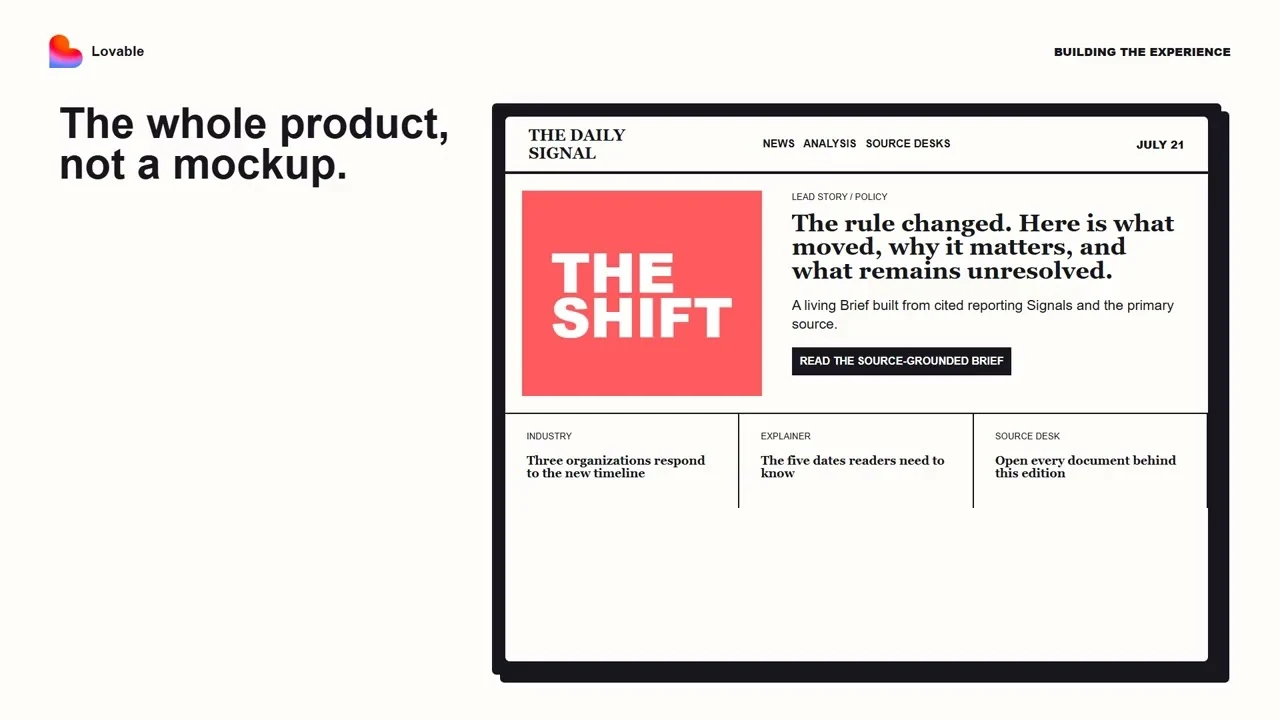
A live news page for your topic — cited Manifests as cards, refreshed from Synorb.

Subscription newsletter

Assemble a recurring newsletter from real Manifests, one cited section per topic.

Company monitor

Track companies and surface what moved — with a re-runnable saved query.

Research dashboard

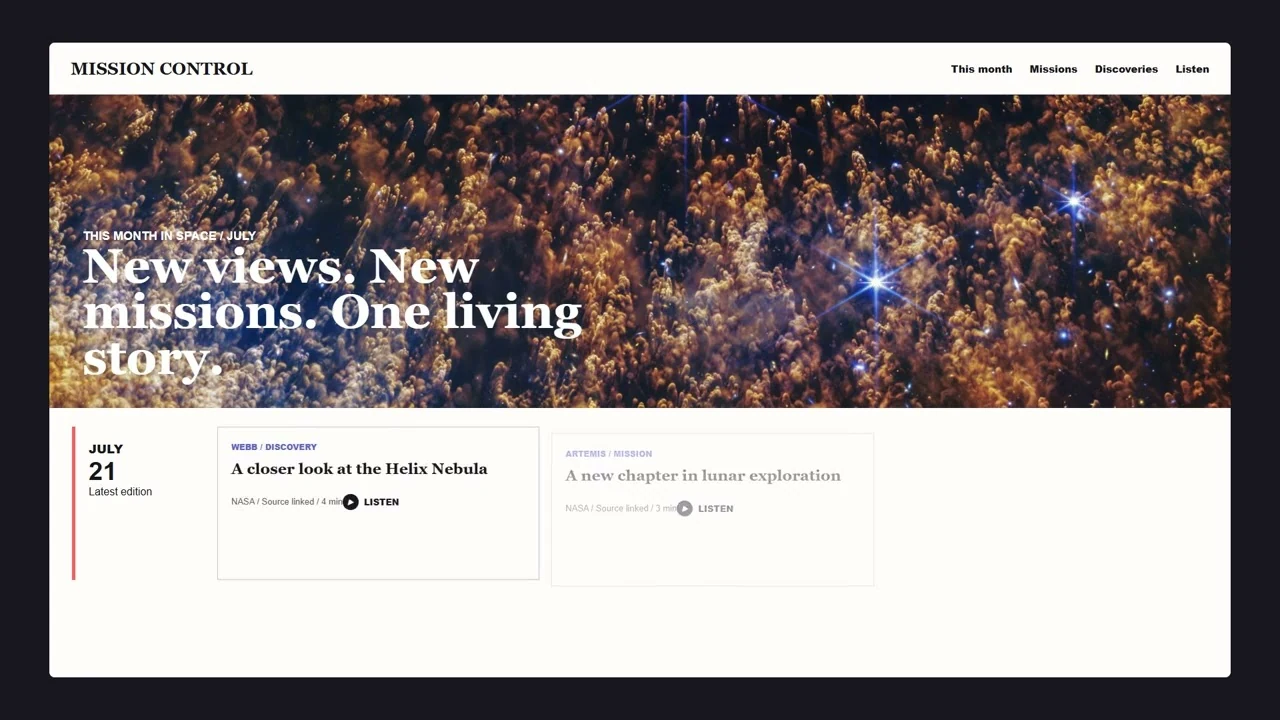
A grid of always-current, always-cited cards across the topics you track.

More build recipes →

Tell the agent which tool to use.

Synorb's Core MCP exposes eight tools. Only synorb-manifests bills quota — and only for returned, on-topic Manifests. Everything else is free.

synorb-profile
Account, quota, live date window. Call once. Zero quota.
synorb-stream-search
"What streams/sources do you have?" The inventory concierge. Zero quota.
synorb-catalog
Ranked stream candidates when search is thin. Zero quota.
synorb-manifests
The actual cited content. The only tool that bills — keep target_count 5–20. mode="count" is zero quota.
synorb-details
Richer metadata for specific streams. Zero quota.
synorb-configure-beacon + synorb-save-beacon + synorb-beacons
Design, save, and list re-runnable tracked queries. Zero quota.

Questions builders ask.

Is my Synorb token safe in a deployed Lovable app?

Yes, if you follow the build-time vs runtime split. The MCP token lives only in the Lovable chat connector (build time) and is never included in your deployed app. At runtime your app's backend — a Supabase Edge Function — calls the Synorb REST API with an api-key + secret stored as server-side secrets. Never put any Synorb credential in frontend code or a VITE_ variable.

Do I need to know MCP to use Synorb with Lovable?

No. You paste the Synorb MCP server URL and your token into Lovable's chat connector UI, then copy a build prompt into the chat. The agent does the rest.

What does Synorb return?

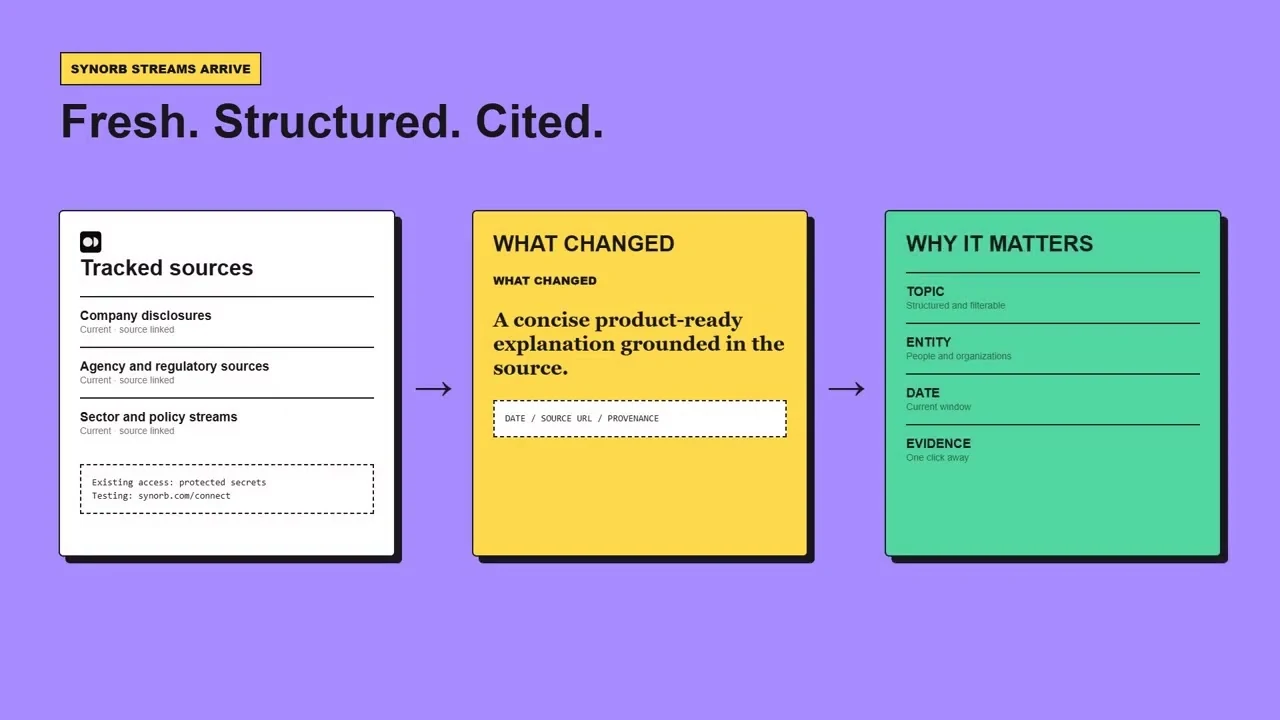
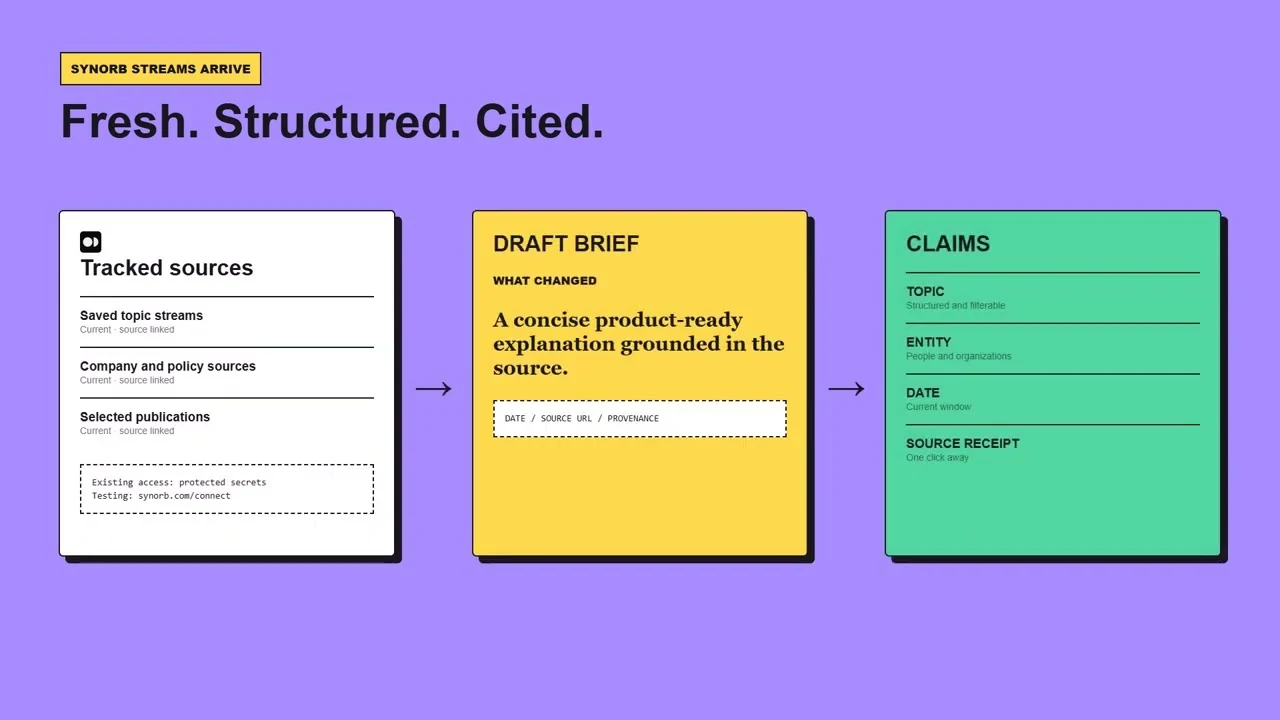
Manifests: structured units with a Brief (narrative summary), a Signal (atomic claims), nested source metadata, stable IDs, and citations with real source URLs. Render them as cards, feed them to RAG, or store them.

How much does it cost?

Free starter credentials are available with no card. Only synorb-manifests consumes quota, and only for returned on-topic Manifests; synorb-profile, synorb-stream-search, synorb-catalog, synorb-details, and the Beacon tools are zero quota. Quota resets on the first of each month.

When should I still use web search?

Use Synorb first for structured, source-grounded intelligence. Fall back to web search only for genuine gaps: ultra-fresh items from the last hour or two, very narrow local news, or topics outside Synorb's tracked scope.

Using a different agent?

The same Synorb MCP connects to major MCP-capable coding agents — same tools, same behavior.

Free credentials. No card.

Generate a starter key, paste it into Lovable, and pull your first cited Manifests in minutes.