 0:50
0:50
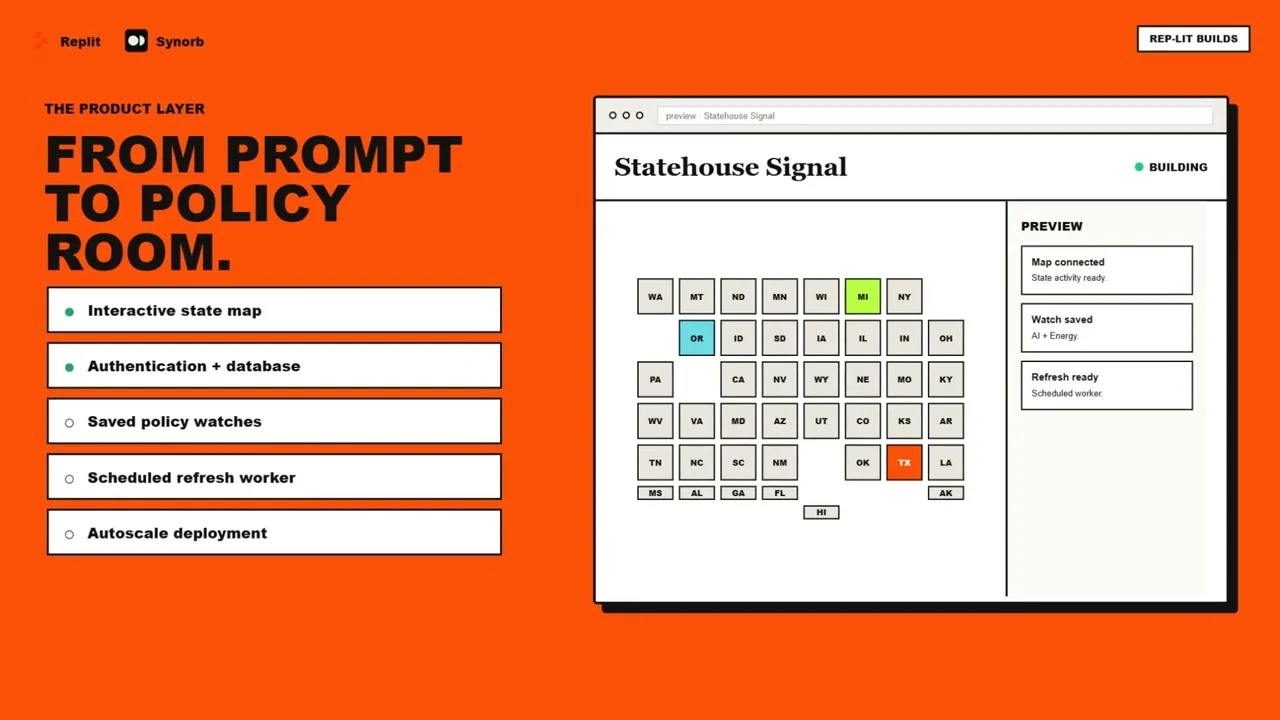
Statehouse Signal
A 50-state policy signal room with issue filters, review state, official-source links, and scheduled delivery.
Built for: Government relations, public affairs, advocacy, policy research, and newsroom teams
Give your Replit app live, source-grounded intelligence — real, cited, dated claims, not stale training data. Ground the Replit Agent with Synorb MCP while you build, then serve fresh results from a backend route — and let Scheduled Deployments run a Synorb Beacon on cron so the app keeps itself current. No MCP knowledge required.
Choose a real product, watch the short build video, and copy the complete one-shot prompt. Replit builds the product layer; Synorb supplies the current, structured, source-grounded content.
0:50
A 50-state policy signal room with issue filters, review state, official-source links, and scheduled delivery.
Built for: Government relations, public affairs, advocacy, policy research, and newsroom teams
 0:50
0:50
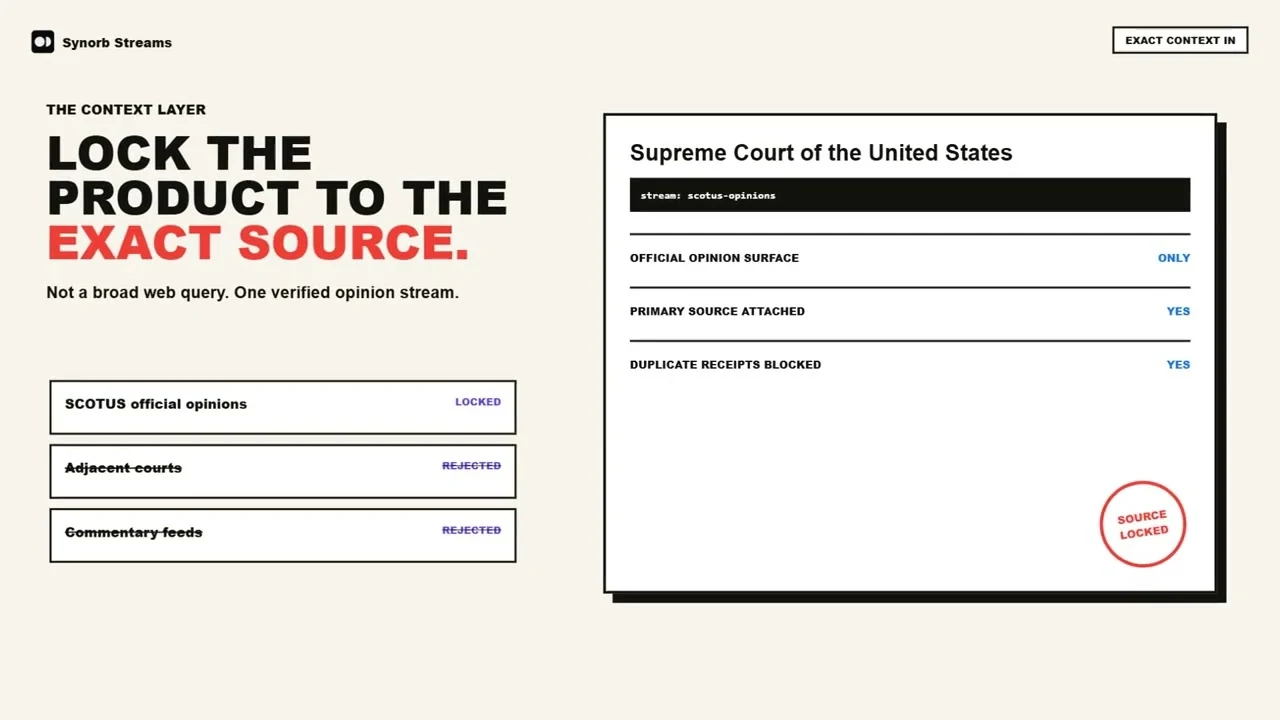
A source-locked legal monitor with deduplication, review state, a delivery ledger, and Slack or email alerts.
Built for: Legal research, policy, court-reporting, and law-firm knowledge teams
 0:57
0:57
A live economic dashboard and scheduled morning brief with official charts, cited takeaways, and email.
Built for: Economists, finance leaders, investors, policy teams, and executive communications
 0:57
0:57
A cited federal-court opinion radar with filters, charts, review states, and a scheduled digest.
Built for: Litigators, legal researchers, court reporters, policy teams, and law-firm knowledge groups
 0:57
0:57
A map-forward geopolitical briefing with institution charts, regional sections, an archive, and scheduled publishing.
Built for: Geopolitical-risk, public-policy, defense, global-affairs, and executive-briefing teams
 0:57
0:57
A searchable podcast intelligence app with Briefs, Signals, entity filters, real episode links, and a digest.
Built for: Research, communications, media, brand, investment, and podcast-intelligence teams
 0:57
0:57
A hosted content product with rich Briefs and Signals, bookmarks, pagination, deployment, and scheduled refresh.
Built for: Product teams, community builders, SaaS founders, research teams, and niche publishers
No builds match those filters. Try a broader search or clear one filter.
One prompt. A few product choices. A working product powered by fresh Synorb streams.
Open the one-shot promptBrowse real Replit products, one-shot prompts, videos, and a practical path from build-time discovery to secure runtime delivery.
Use Synorb MCP so the Replit Agent designs against real cited data. When your app runs, a backend route calls Synorb REST with credentials kept in Replit Secrets — and a Scheduled Deployment runs a saved Beacon so updates land unattended.
mcp.synorb.com/mcpapi.synorb.combeacon_id on cronKeep secrets server-sideNever put a Synorb credential in client-side code. The browser calls your backend route; your backend calls Synorb.
Account ladder: 72 Hour Agent Demo — 25 Manifests, expires 72 hours after mint → Starter — free forever, 100 Manifests per calendar month, after binding an email → Paid — $10/month, 1,000 Manifests per calendar month.
Use only the api_key field of the key request answer and read the top-level expires_at; surface that expiry to the user. Bind the email with POST https://api.synorb.com/api/connect/bind-email using Authorization: Bearer <synorb_key>. The same key keeps working. If 72 Hour Agent Demo expires, show Synorb key expired — bind an email or mint a new demo key and document the recovery path in the generated README and environment template.
Go to synorb.com/connect/start and click Generate Free Agent Key. You get one Synorb Key for both the Agent and your app backend. Store the same value only in Replit Secrets. Free, no card.
In your Repl, add Synorb to the Agent's MCP configuration so it can inspect real Synorb data while building.
https://mcp.synorb.com/mcpIn your Repl's Secrets panel (Tools → Secrets), add one secret:
Your frontend calls your own route; the route calls Synorb with the secret. Responses come back as { data, usage } — cite each row's source_url.
Save a Synorb Beacon for your scope, then run it by beacon_id on a Replit Scheduled Deployment (native cron). The app updates itself — no polling, no babysitting.
Synorb's Core MCP exposes nine tools. Only synorb-manifests bills usage — and only for returned, on-topic Manifests. Everything else is free.
synorb-profilesynorb-stream-searchsynorb-catalogsynorb-manifestsmode="count" is zero usage.synorb-detailssynorb-configure-beacon + synorb-save-beacon + synorb-beacons + synorb-archive-beaconUse the Synorb Key to ground the Replit Agent while you build. For the deployed app and Scheduled Deployments, call Synorb REST from a backend route with the Synorb Key stored as Replit Secrets. Never put a Synorb credential in client-side code.
Yes. Replit Scheduled Deployments give you native cron. Save a Synorb Beacon for your scope and run it by beacon_id on a schedule so the app refreshes itself unattended.
Manifests: structured units with a Brief (narrative summary), a Signal (atomic claims), nested source metadata, stable IDs, and citations with real source URLs. Render them as cards, charts, maps, or digests.
72 Hour Agent Demo access is available without a card. Only synorb-manifests uses your usage allowance, and only for returned on-topic Manifests; the rest are zero usage. mode="count" is a zero-usage preflight.
Use Synorb first for structured, source-grounded intelligence. Fall back to web search only for genuine gaps — ultra-fresh items or topics outside Synorb's tracked scope — and show web results as distinct from Synorb-cited ones.
The same Synorb MCP connects to major MCP-capable coding agents — same tools, same behavior.
Mint a 72 Hour Agent Demo key, ground the Replit Agent, and ship a self-updating app with live, cited intelligence.