Copied. Paste it into your AI assistant after you add the connector below.
Connector URL https://mcp.synorb.com/mcp
chatgpt.com/plugins
Why add Synorb
Four things your assistant can now follow.
Synorb reads the primary sources, such as company blogs, firm sites and podcast feeds, and turns each new item into a Brief and structured claims. Your assistant reads that and cites the original link.
01AI companies
Model launches, research posts, pricing and product changes, from the companies themselves.
Starter Beacon: AI Companies
02VC firms
New investments, portfolio news and the essays partners publish.
Ask: “What did a16z publish this week?”
03Private companies
Startups and private companies that file no SEC reports, from their own announcements.
Ask: “Any news from Revolut?”
04Business & tech podcasts
New episodes, what was said, and why each one is worth your time.
Starter Beacon: Business & Technology Podcasts
Web searchFinds pages that match words. Good for exploring. You still check the date and the source.
SynorbWatches a fixed set of first-party sources. Each item has a date, claims and the original link, so your assistant can show where a fact came from.
Set it up
Add Synorb as a connector. About two minutes.
Synorb is in review for the Claude and ChatGPT directories. Until a one-click listing is live, add it as a custom connector. We tested these steps on October 25, 2026. ChatGPT, Claude and Gemini sign you in to Synorb with OAuth, so you never paste a key into a chat. Finish the Synorb sign-in within 10 minutes of clicking Connect. If you see “Unknown or expired authorization request”, click Connect again.
ChatGPT
Custom MCP server · tested Oct 25Directory listing in review
Use ChatGPT on the web. Adding a custom server depends on your plan and workspace: Free accounts cannot, and on Business or Enterprise an admin may need to allow it.
01
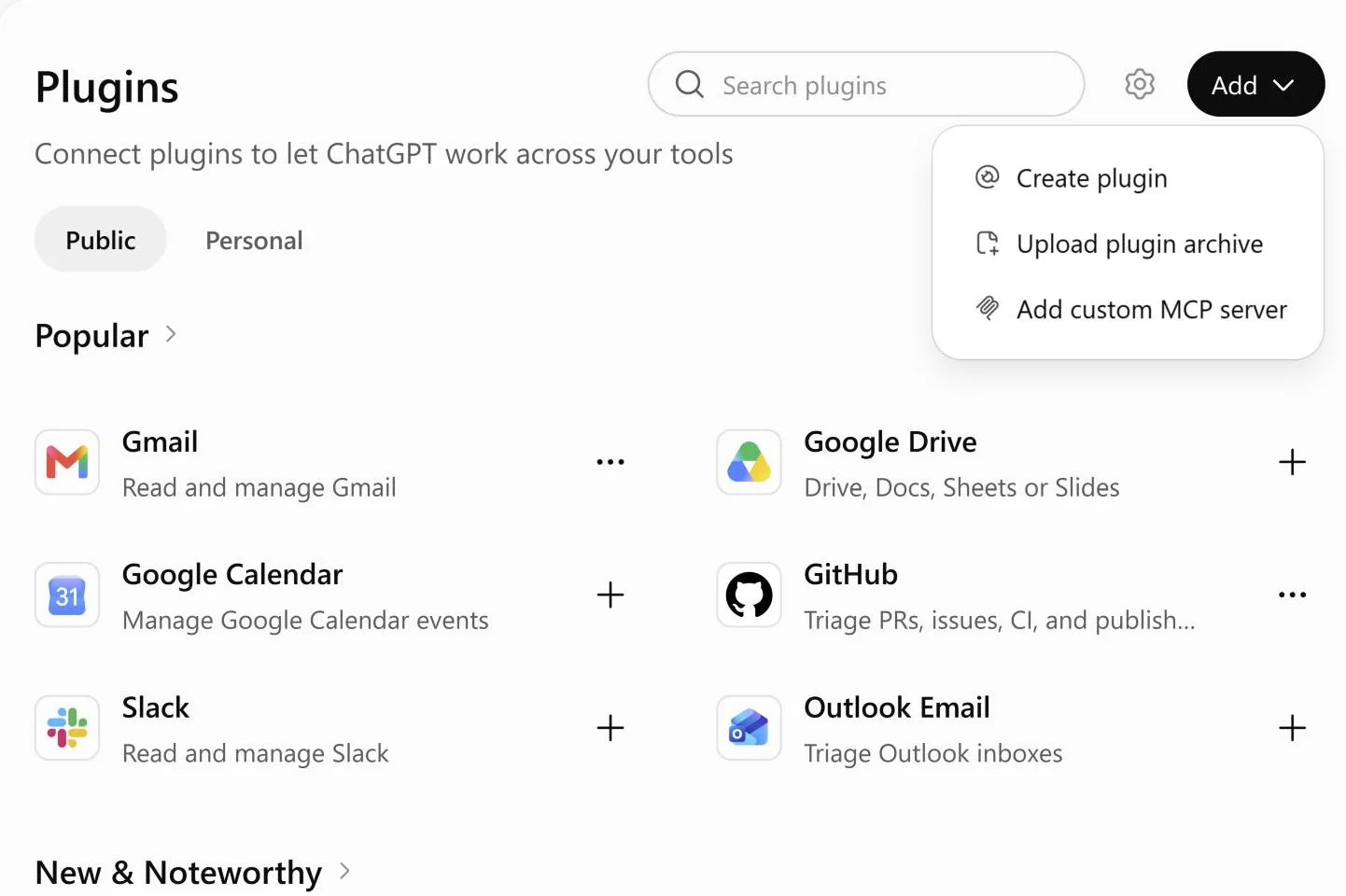
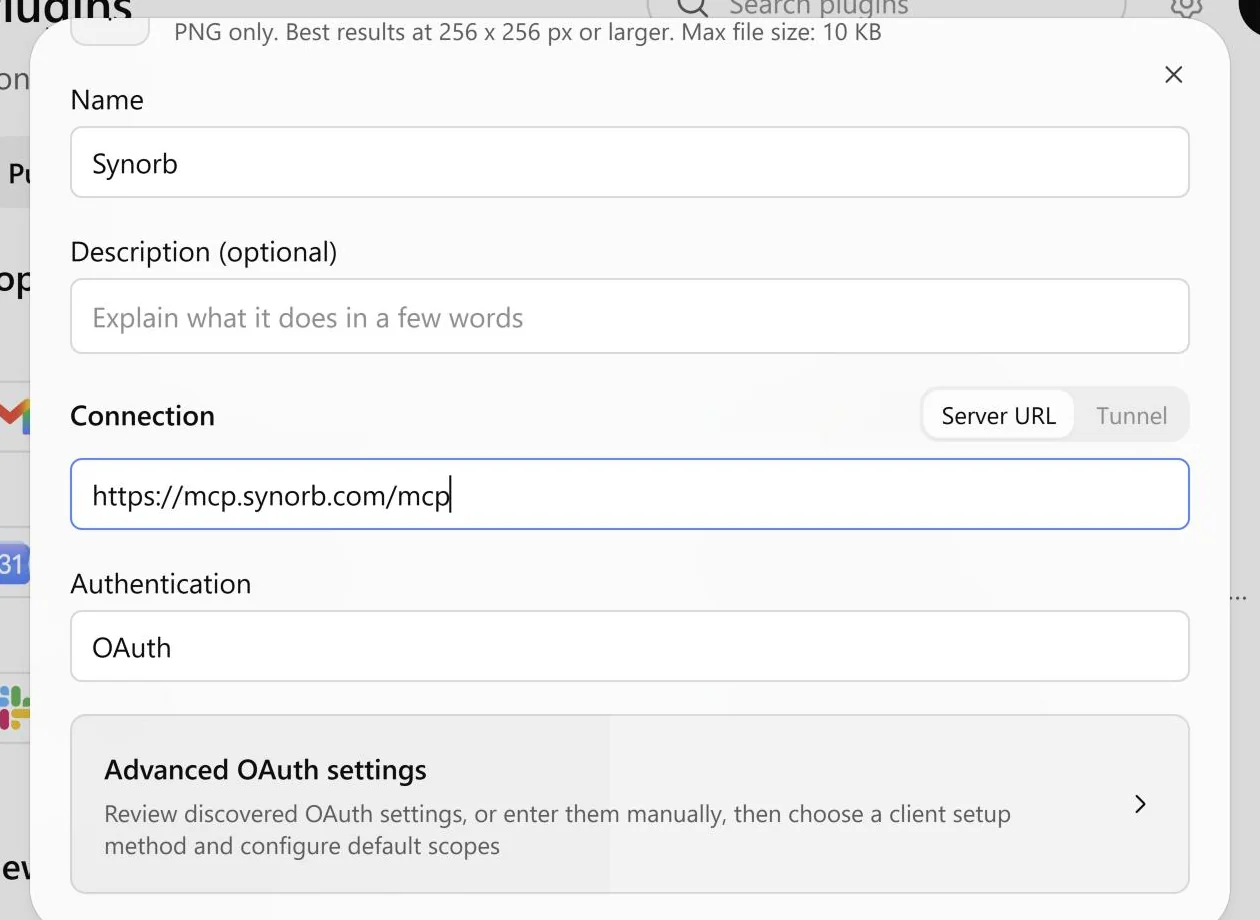
Open chatgpt.com/plugins. Click Add (a round + in a narrow window), then Add custom MCP server.
Don’t see it? Your plan or workspace may not allow custom servers. On some accounts it appears only after you turn on Developer mode in Settings.
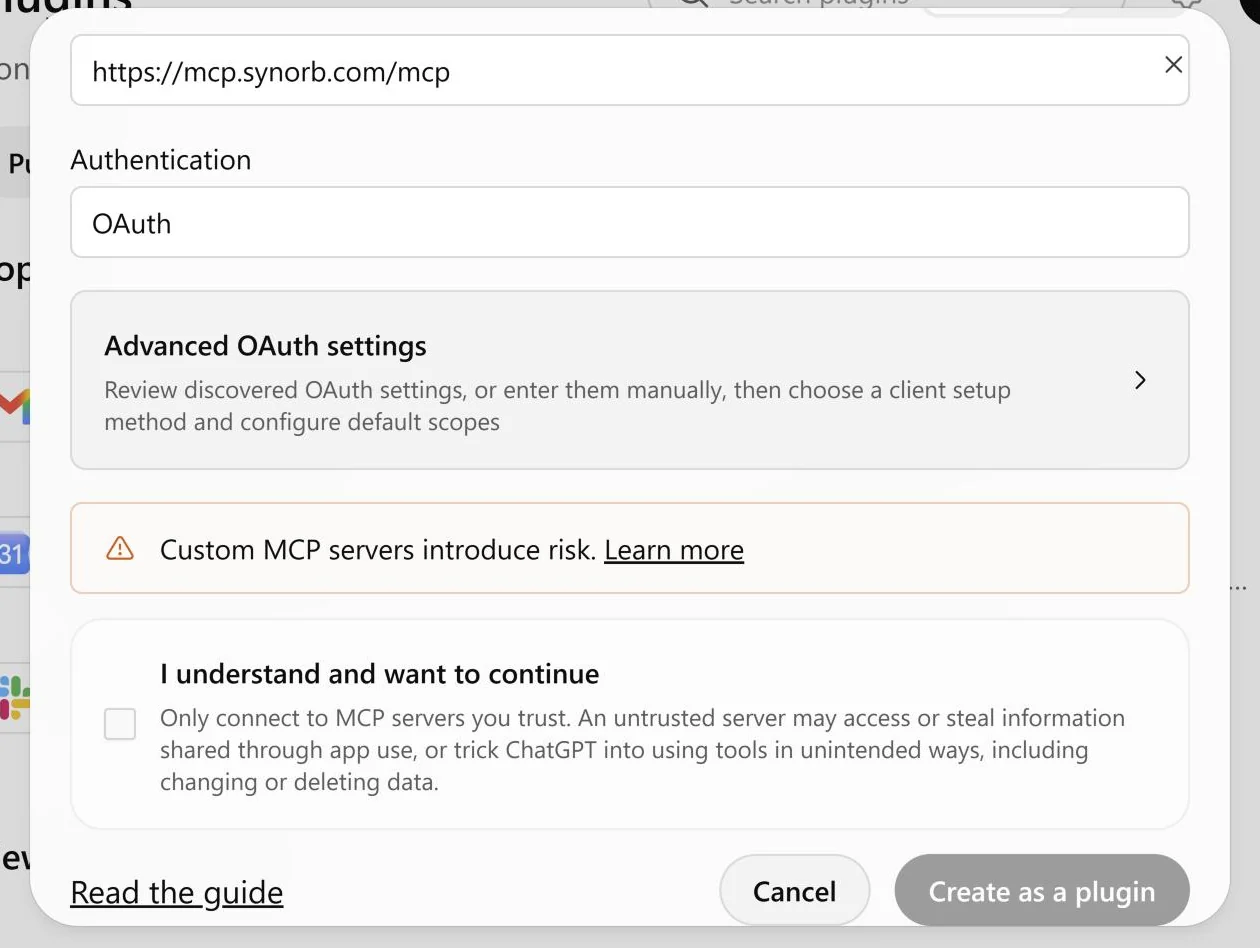
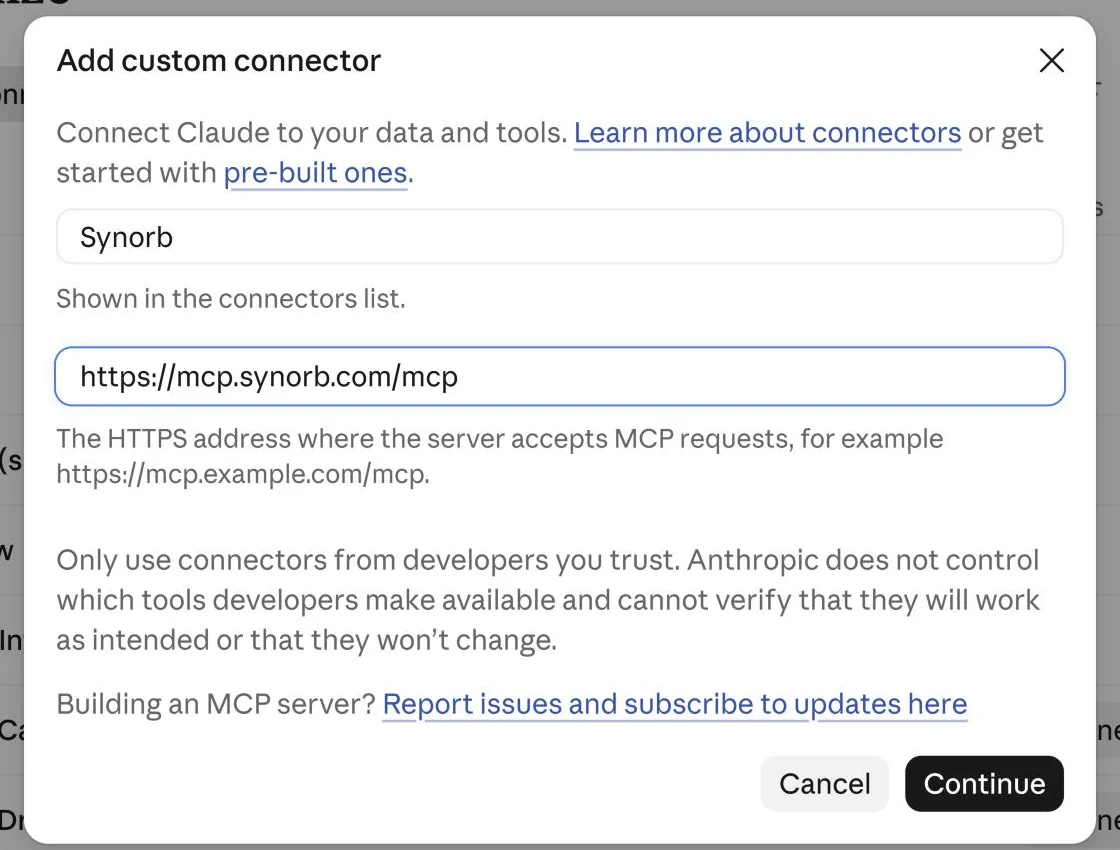
Name it Synorb, enter https://mcp.synorb.com/mcp and click Continue. Then finish the dialog.
If Claude asks for an OAuth client, choose Register automatically. Synorb does not advertise support for the default, “Use Claude’s published identity”. If Claude says a connector with this URL already exists, close the dialog and click Connect on that one.
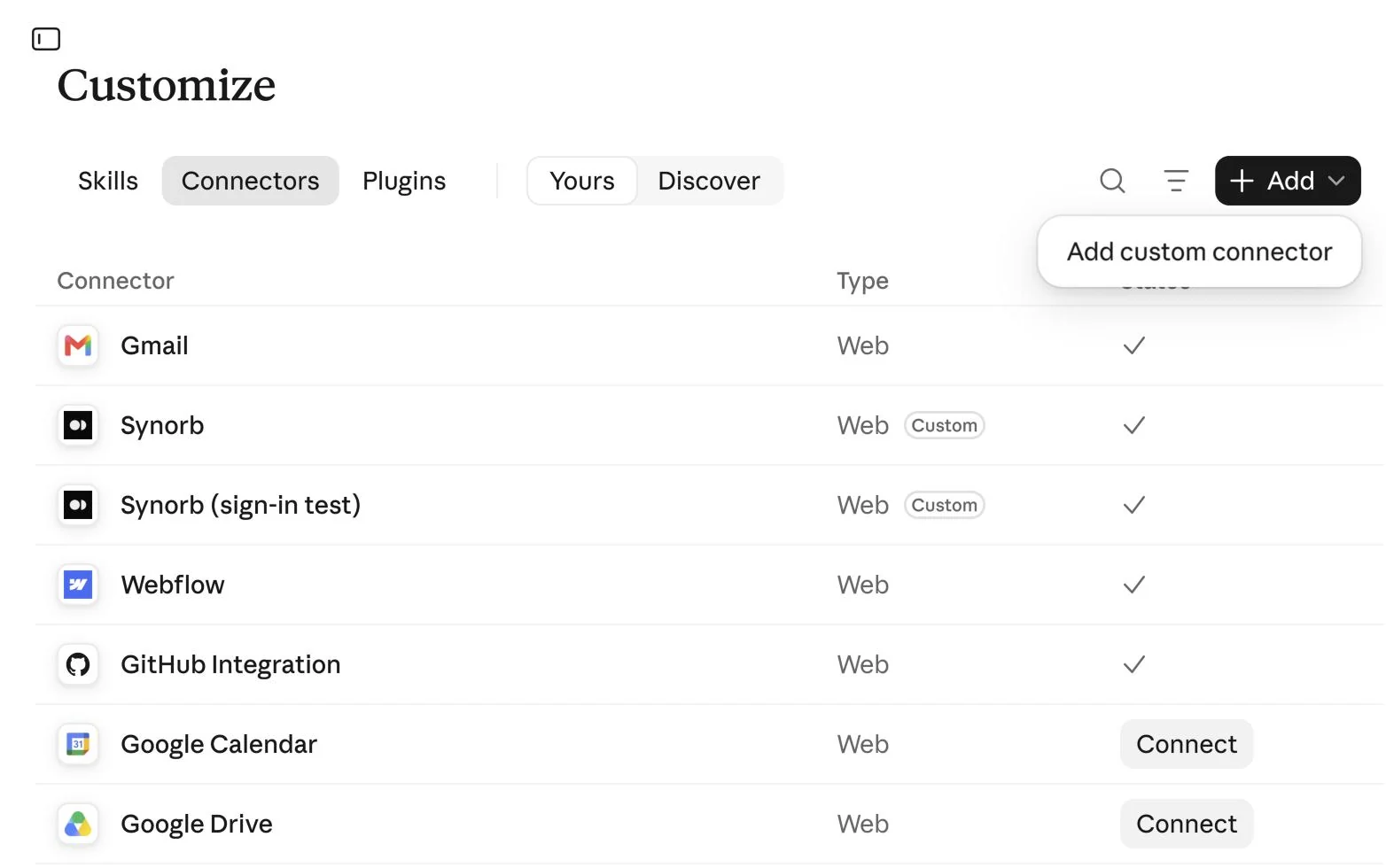
An Owner adds the connector once in Organization settings › Connectors: Add, then Custom, then the URL above. Each member then finds Synorb under Customize › Connectors with the Custom label and clicks Connect.
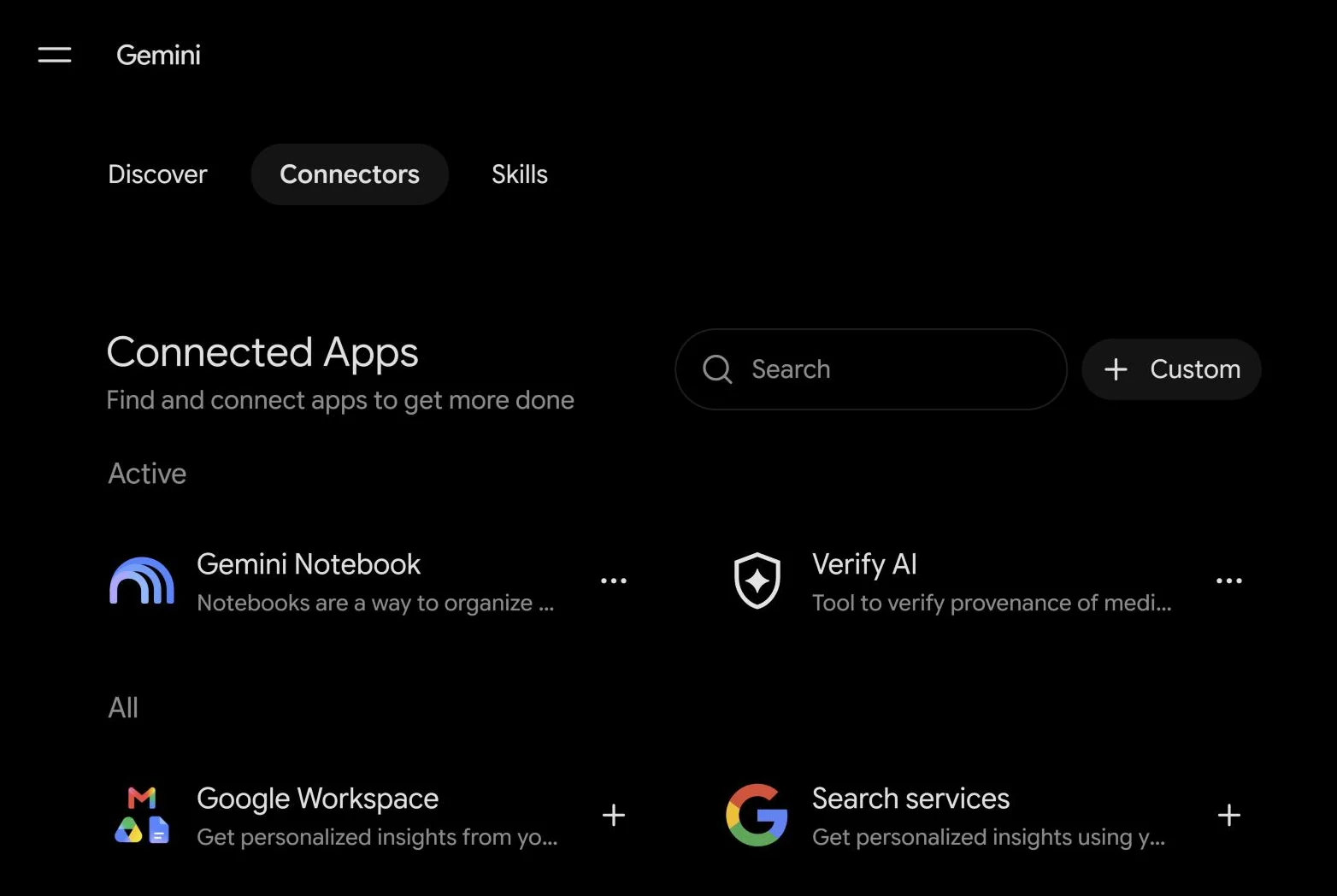
Gemini
Custom app · tested Oct 26No directory listing
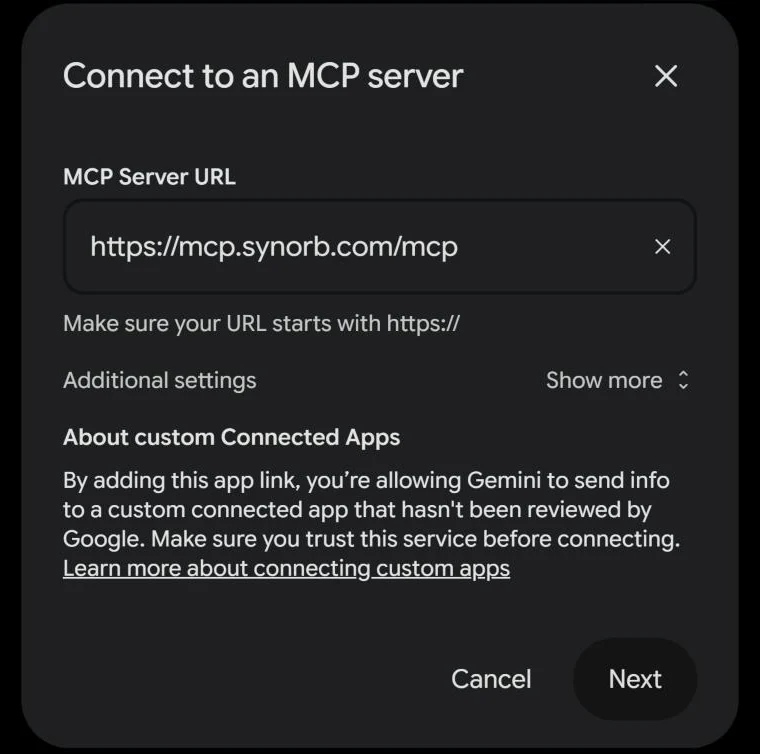
Google lets you add a custom app (an MCP server) only on the Gemini web app, with a personal Google Account, if you are 18 or over and in the US, in English, with Keep Activity on. Work and school accounts can’t do this yet.
Gemini Enterprise: an admin adds a custom MCP server connector in the Google Cloud console. See Google’s connector docs.
First prompts
Start with a starter Beacon.
Every new Synorb account has five starter Beacons: AI Companies, Business & Technology Podcasts, Venture Capital, Private Companies, and Public Company Filings & Executive Transitions. A Beacon is a saved watch your assistant can run any time.
ChatGPT
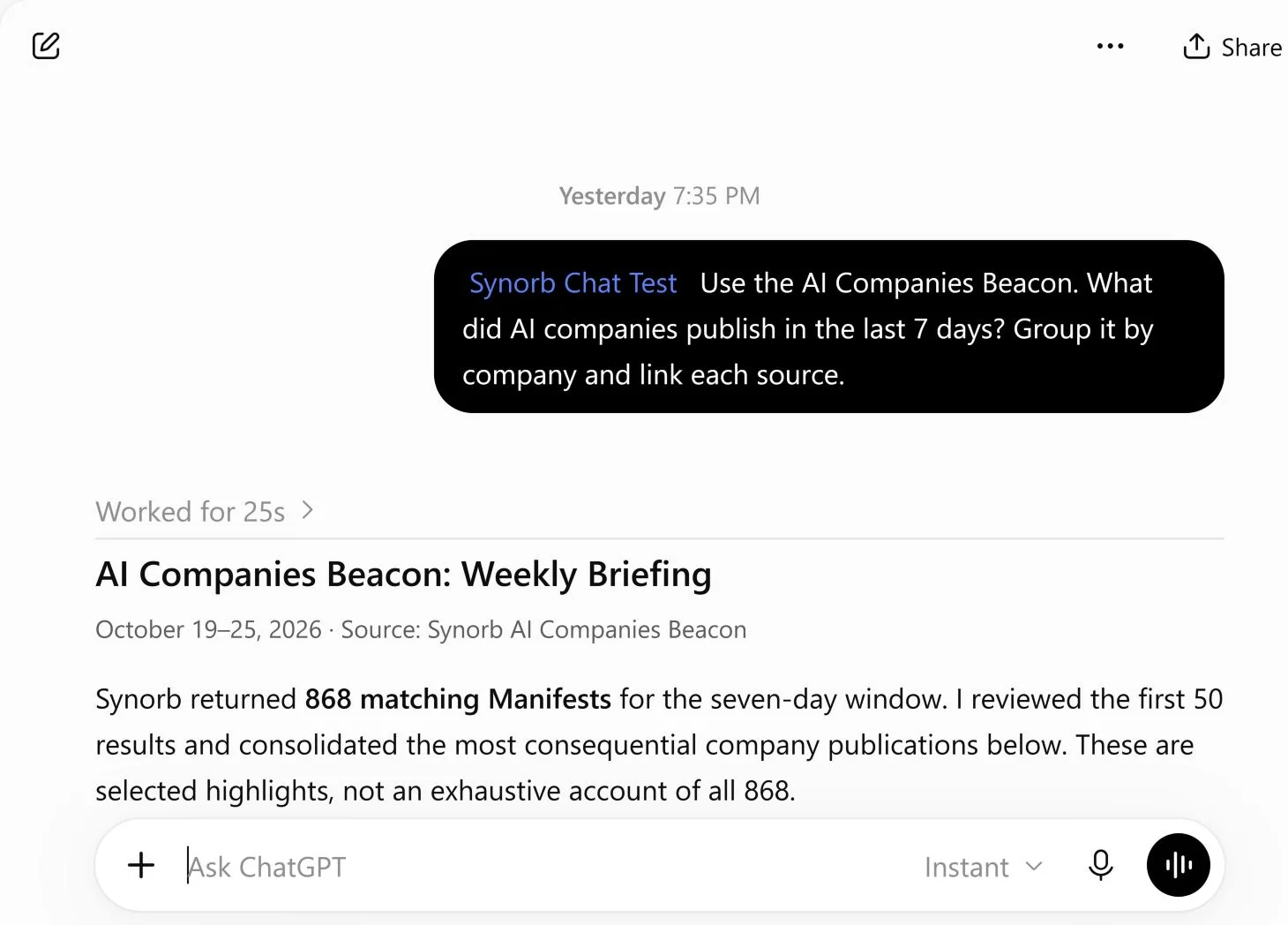
@Synorb Use the AI Companies Beacon. What did AI companies publish in the last 7 days? Group it by company and link each source.
Type @ first so ChatGPT uses the Synorb plugin.
Claude
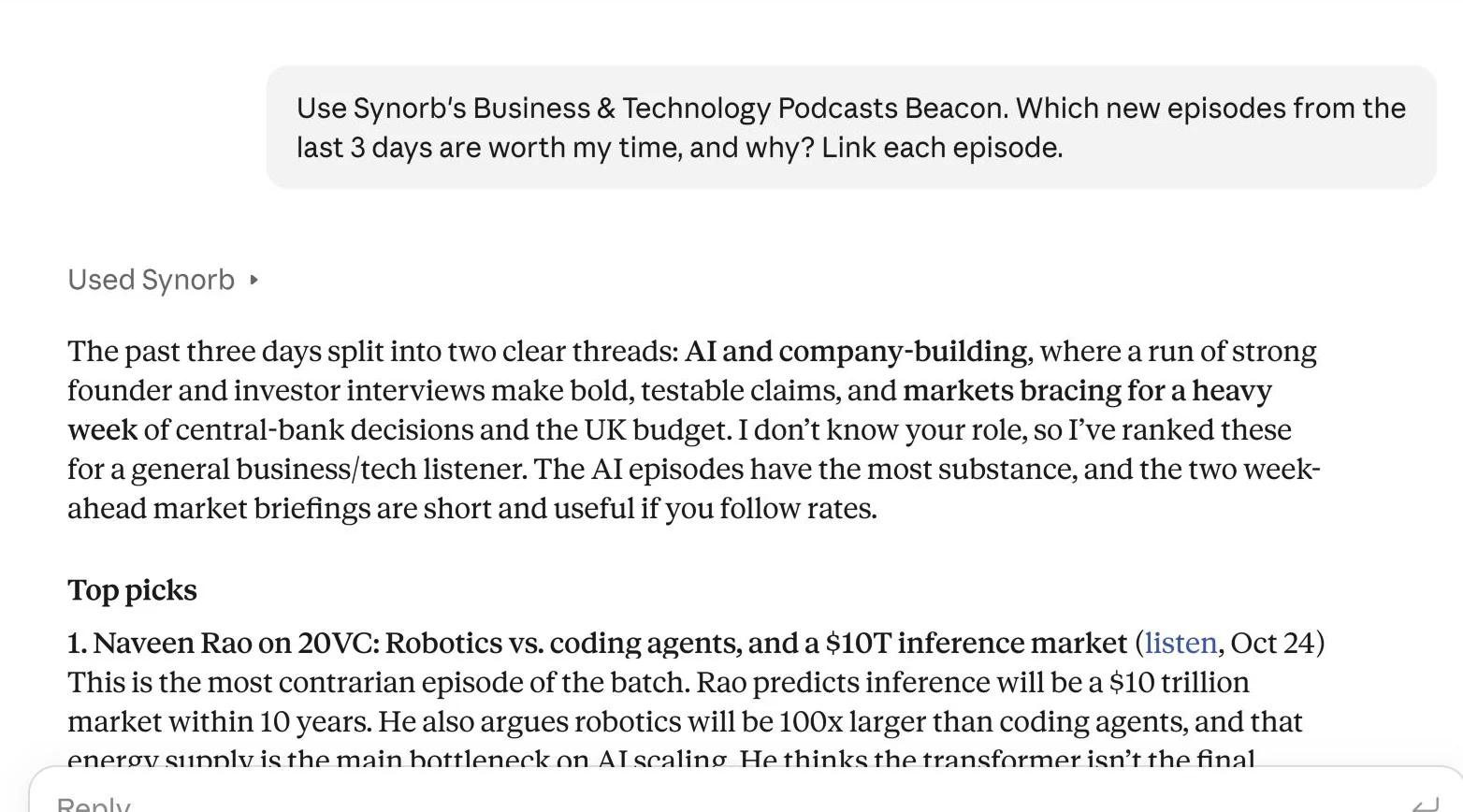
Use Synorb’s Business & Technology Podcasts Beacon. Which new episodes from the last 3 days are worth my time, and why? Link each episode.
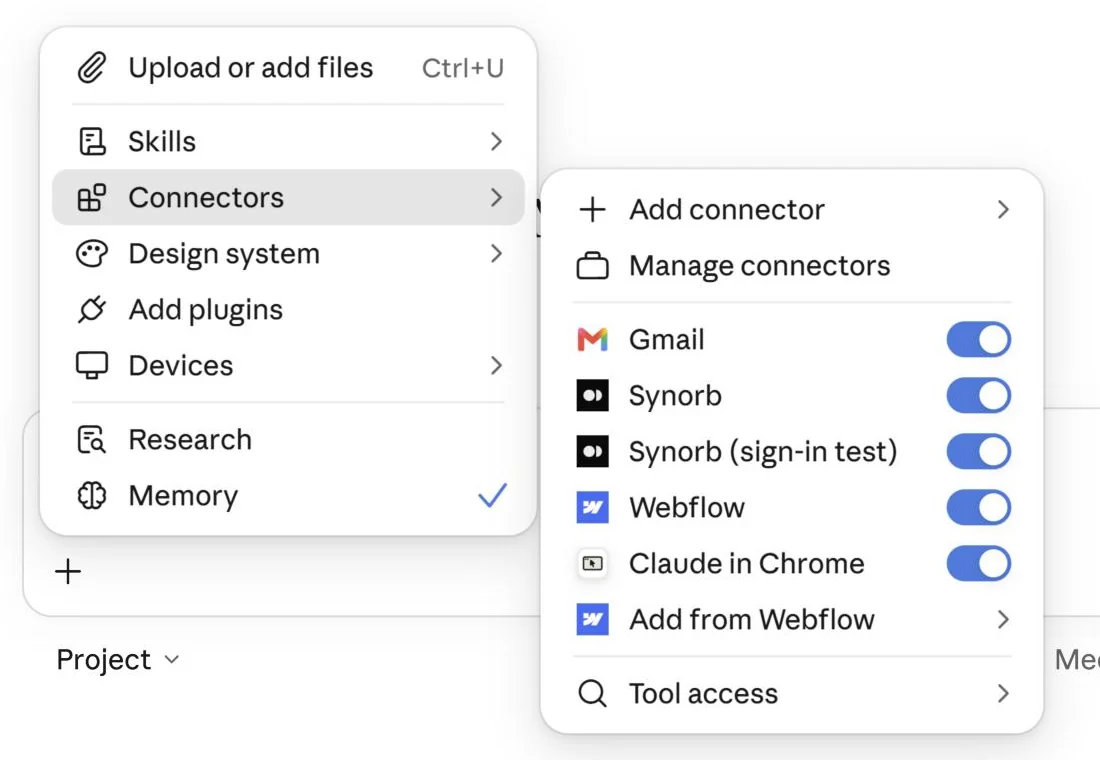
Make sure Synorb is on in the + menu.
Gemini
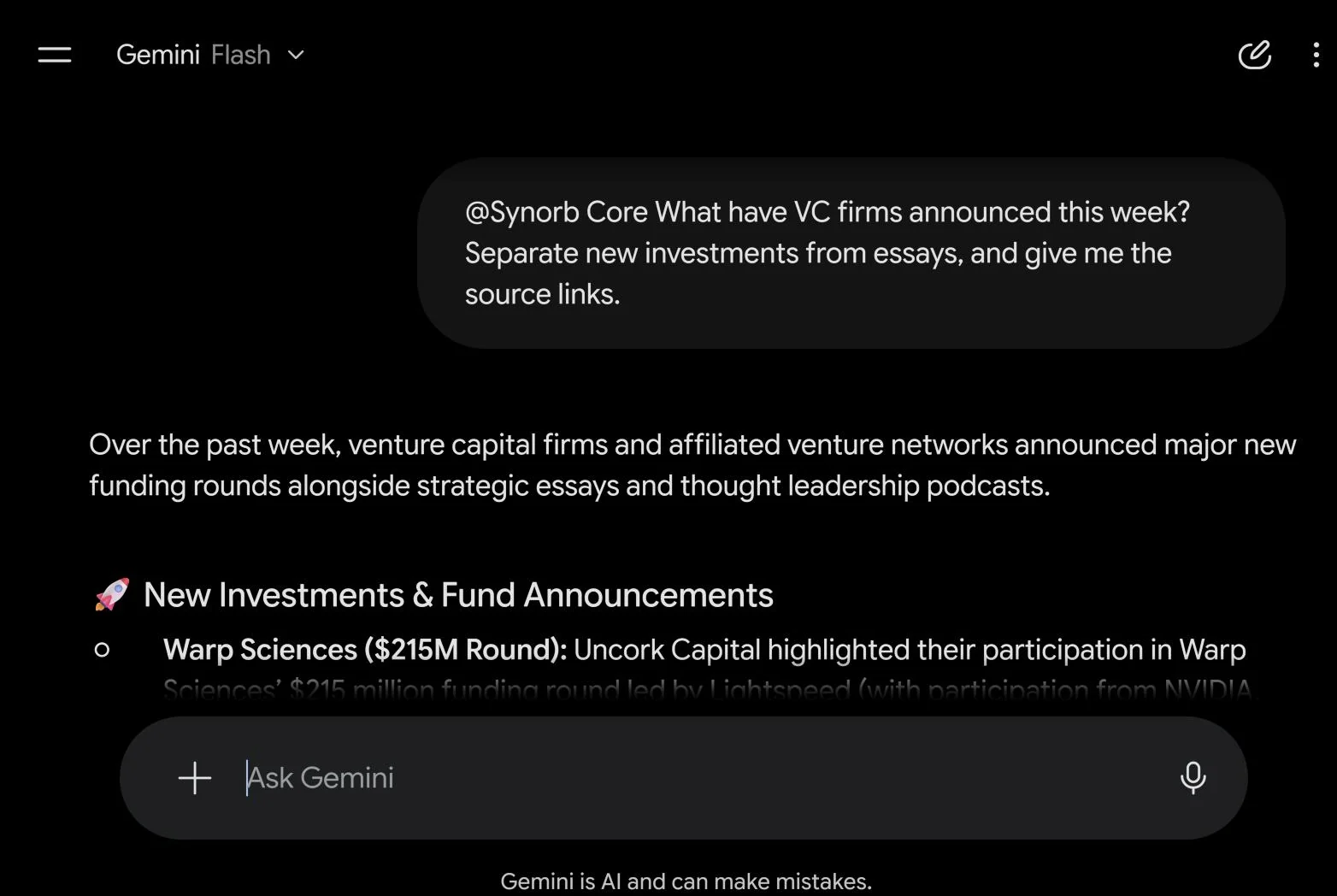
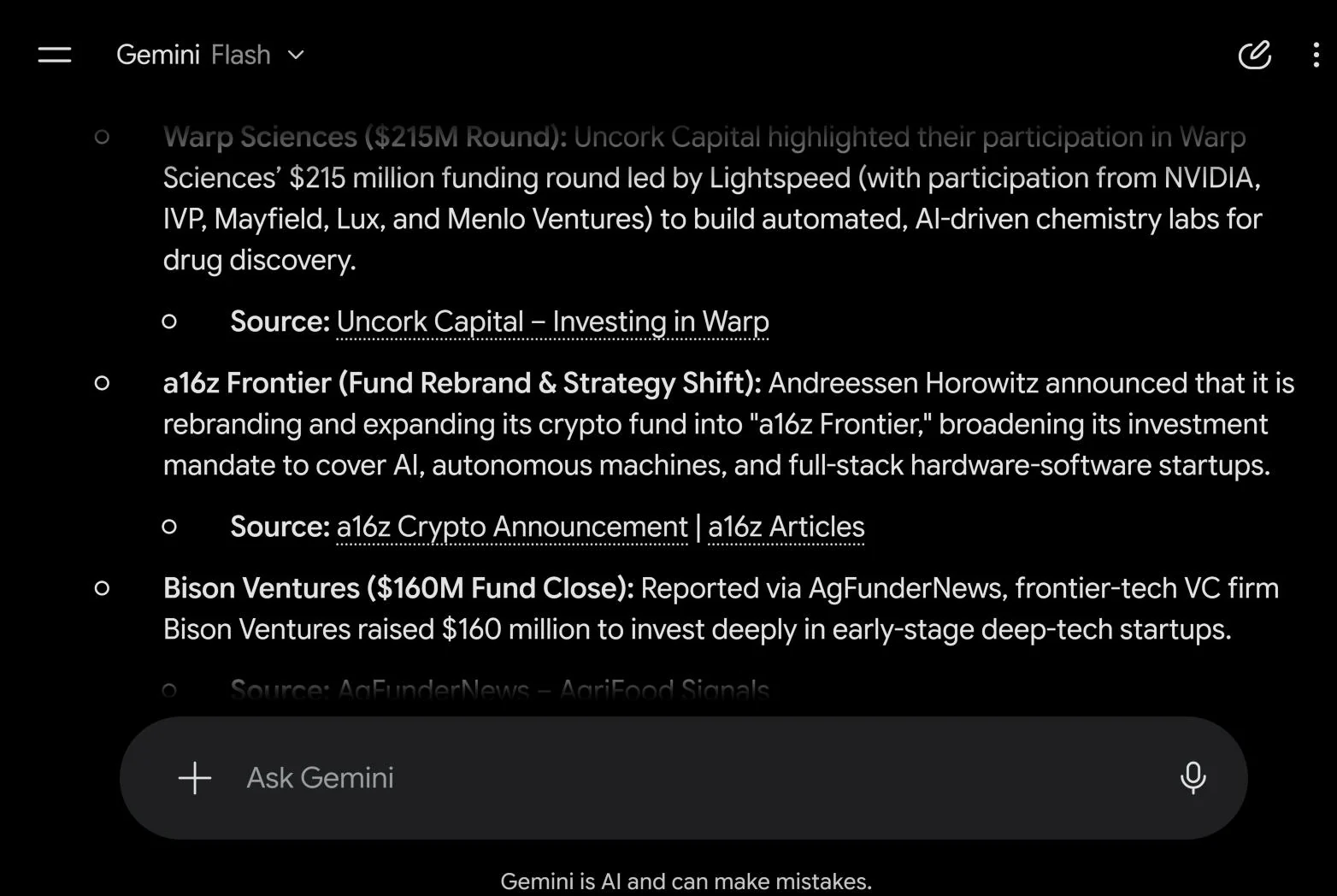
@Synorb Core What have VC firms announced this week? Separate new investments from essays, and give me the source links.
Pick Synorb Core from the @ list.
Synorb Skills
Give your assistant a ready-made job.
A skill is a short instruction file your assistant reads and follows: a newsletter in your voice, a research memo, a podcast script. Paste a phrase into a chat. Where your assistant takes skill uploads, upload the ZIP instead. See all Synorb Skills.
Synorb Setup
Read https://synorb.com/skills/synorb-setup.md and follow it to connect Synorb for me.
 Open full size